1
Launch

Download & Open
Click the blue download button above and open JordanSupport from your downloads bar.

Detected System:
 Windows
Temporary session closes completely when your support call ends.
Windows
Temporary session closes completely when your support call ends.
Follow these three quick steps while on the phone with Jordan.
Click the blue download button above and open JordanSupport from your downloads bar.
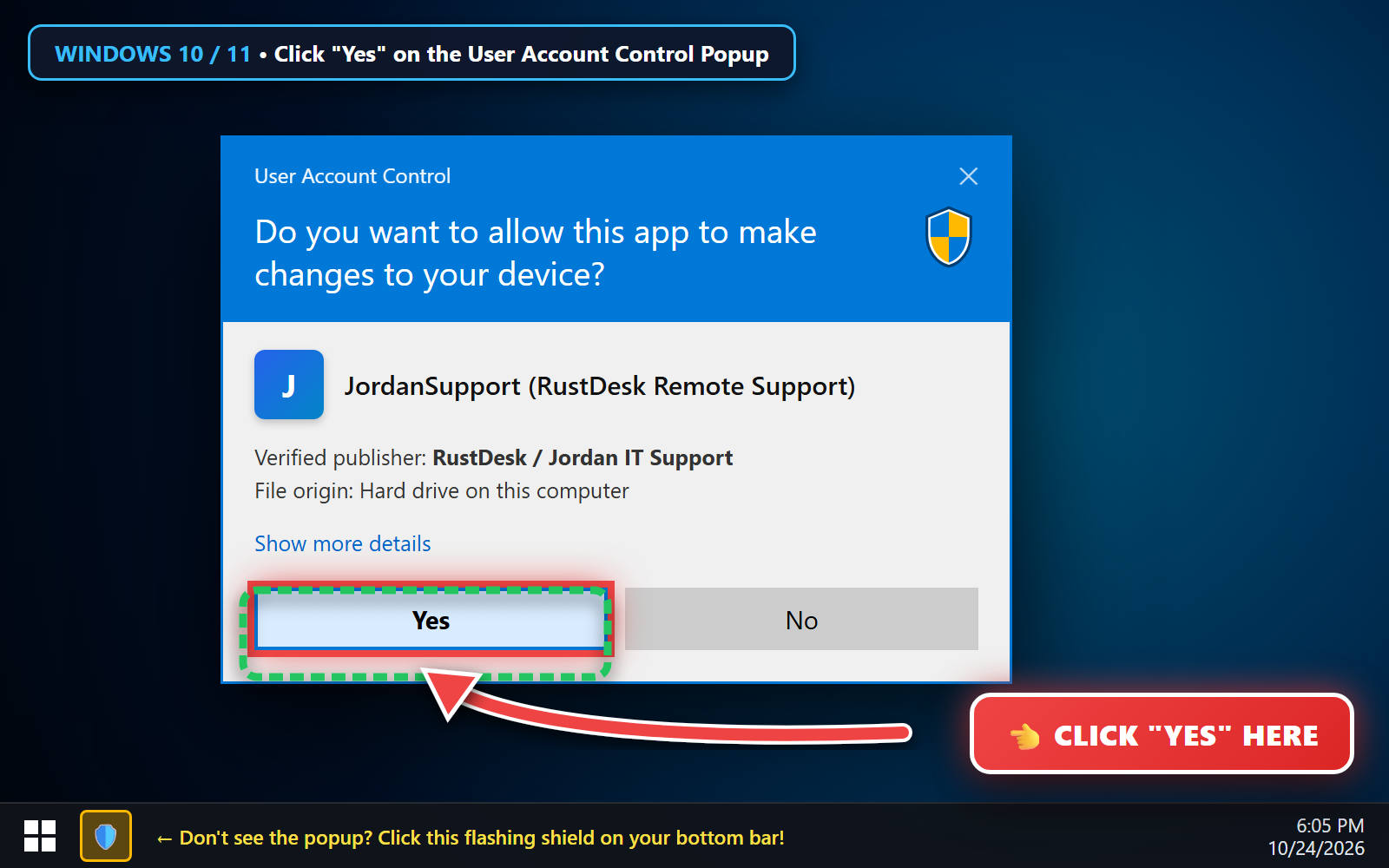
Click "Yes" when the blue & white Windows User Account Control (UAC) window pops up.
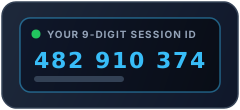
Read the 9-Digit ID and One-Time Password to Jordan over the phone.
Expand either panel below if Jordan asks to verify your connection speed or system permissions.
JordanSupport, your screen dims and the blue User Account Control (UAC) window appears.
JordanSupport / RustDesk so it turns Green (ON).JordanSupport / RustDesk Green (ON) so Jordan can move your mouse.